 Alertviz
Invoice Verification Toolkit
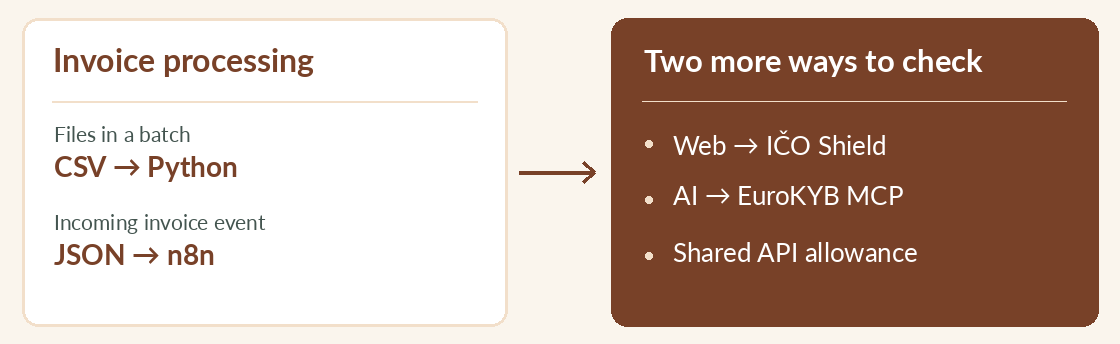
Unzip the toolkit and choose a starting point based on how your invoices arrive. Python handles spreadsheets. n8n handles individual invoice events from an accounting system.
How to use it
- Download the ZIP from Gumroad and extract it to a working folder. Start with README.md.
- For spreadsheets, start with the Python CSV guide. For incoming invoice events, follow the n8n guide and import the included workflow.
- For checks on a web page, extract IČO Shield. The eurokyb-mcp folder contains the AI assistant bridge.
Try it
Suppose accounts payable sends you a CSV every Friday. Start with the Python checker. When your accounting system can send a request for each new invoice, move that job to the n8n workflow.
Reading the result
The toolkit costs USD 19 once. Online checks use EuroKYB’s free or subscribed allowance. One direct subscription key can serve multiple tools, which then share its allowance.