 Alertviz
IČO Shield
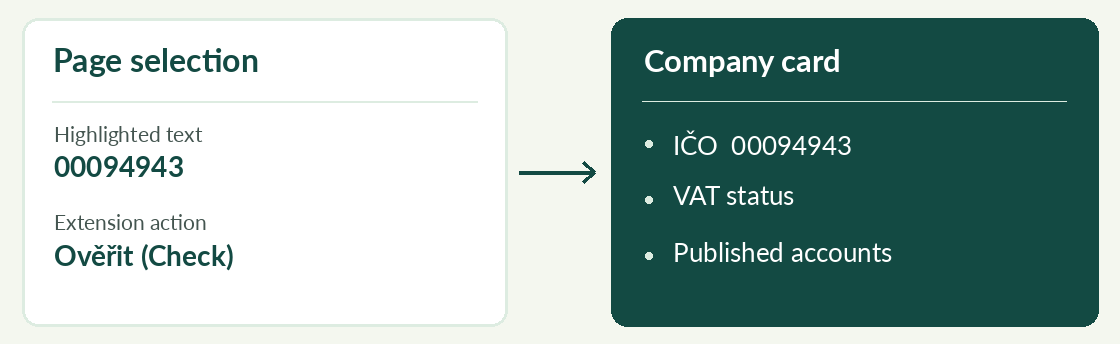
Check a supplier while reading a quote or invoice on a web page. The Chrome extension opens a compact report with the company name, VAT status and published accounts. Its controls are in Czech.
How to use it
- To install the ZIP, extract it to a folder. In Chrome open
chrome://extensions, turn on Developer mode, choose Load unpacked and select the folder containing manifest.json. - Highlight a company ID on a page and open the extension, or type the ID yourself. Click Ověřit (Check). The selection’s right-click menu also offers a lookup.
- Read the report timestamp. Ověřit znovu requests a fresh result. Open API klíč a historie to save a Pro or Business key or clear local history.
Try it
Try 00094943. Opening the popup alone does not trigger a new check. If the company was recently checked, Uložený výsledek marks the saved report.
Reading the result
Shield keeps up to 100 results locally for 24 hours. Reopening a saved result costs no additional check. Fresh requests use the shared EuroKYB allowance. A valid saved subscription key applies the paid allowance.