 Alertviz
Python CSV checker
Check a spreadsheet of suppliers in one command. The script from the Invoice Verification Toolkit runs on your computer and adds a result for each row alongside the original columns.
How to use it
- Create a comma-separated UTF-8 file called invoices.csv with the header
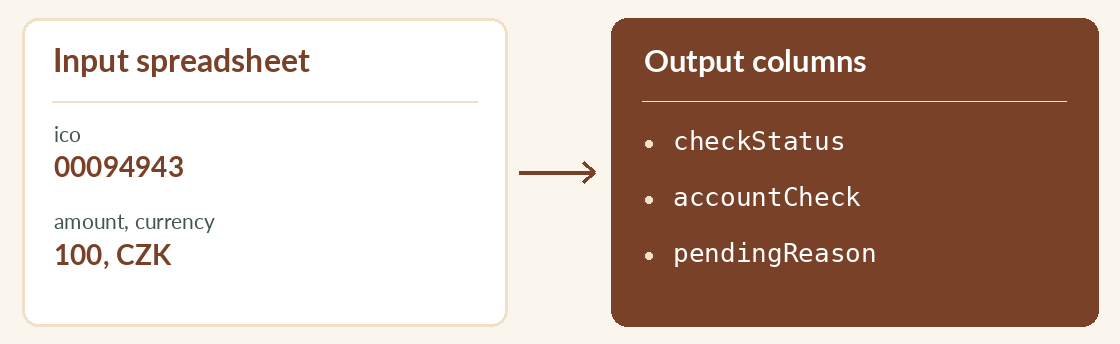
ico,amount,currency. Add00094943,100,CZKas your test row. Store company IDs as text in your spreadsheet. - Run the command below from the folder containing the script and input file. To compare an account, add
bank_accountoriban. For a dated exchange rate addduzpin DD.MM.YYYY format. - Filter the output by
checkStatus. For checked rows, readaccountCheckandriskFlags. For unfinished rows, readpendingReason.
Try it
python3 batch_kyb_verify.py invoices.csv results.csvReading the result
Exit code 2 means some rows are pending. Keep the input and the adjacent .progress.json file. When the lookup is available again, rerun the same command with --resume at the end. Set EUROKYB_API_KEY to use a subscription.