 Alertviz
Invoice guard for n8n
Send one incoming invoice record to n8n. This workflow from the paid toolkit checks the supplier, compares the invoice account and calculates a CZK equivalent for a foreign amount.
How to use it
- Import
n8n-cnb-fx-invoice-guard.json. Open Invoice Webhook, copy its test URL and start listening for a test event. - Send a POST to the test URL with the example JSON body. To compare accounts, supply
bank_accountfrom the invoice. For foreign currency, useduzpCzfor the tax date in DD.MM.YYYY format. - Inspect
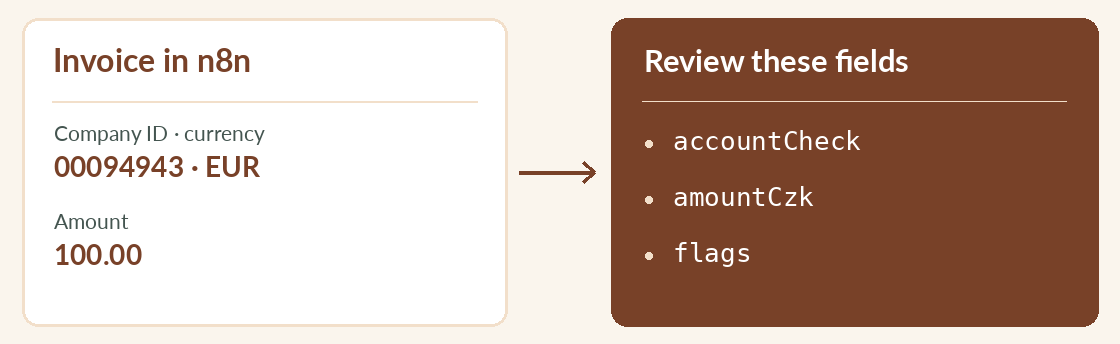
accountCheck,flagsandamountCzk. Secure the incoming webhook before using its production URL. Set Header Auth on both EuroKYB HTTP nodes if you have a subscription key.
Try it
{"ico":"00094943","currency":"EUR",
 "amount":100,"duzpCz":"17.11.2026"}
Reading the result
This example requests a CZK equivalent for EUR 100. Supply an account to test a match. The account and amount are processed in n8n. EuroKYB receives the company ID and, for conversion, the currency and date. Queue an UNCHECKED result for another attempt.