 Alertviz
EuroKYB for AI assistants
Connect an assistant to EuroKYB through MCP. Ask about a Czech company, EU VAT number, IBAN, Czech National Bank rate or public web page, then have the assistant show the underlying fields.
How to use it
- Add a remote MCP server in your assistant’s settings. Enter
https://alertviz.com/api/eurokyb/mcpand select Streamable HTTP transport. - For a stdio client, download npm (.tgz) under For developers and extract it. Use
node(version 18+) as the command and the full path tobin/eurokyb-mcp.mjsas its argument. SetEUROKYB_API_KEYfor a subscription. - Connect and open the tool list. Try the question below. Ask the assistant to identify which fields the register actually returned.
Try it
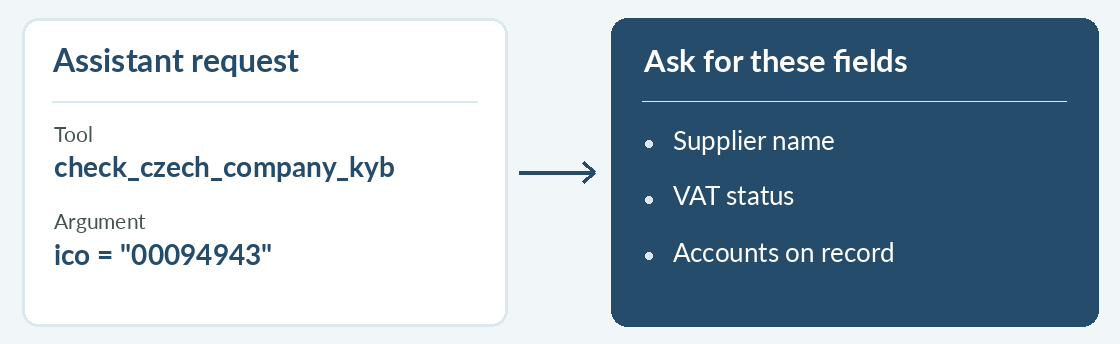
“Use check_czech_company_kyb for IČO 00094943. Give me the registered name, VAT status and the published accounts in the response.”
Reading the result
Tool arguments reach the hosted EuroKYB service even when the bridge runs locally. If a request returns 429, schedule the next attempt using the reported delay. Keep UNKNOWN results marked as unverified.