 Alertviz
Suite Hub
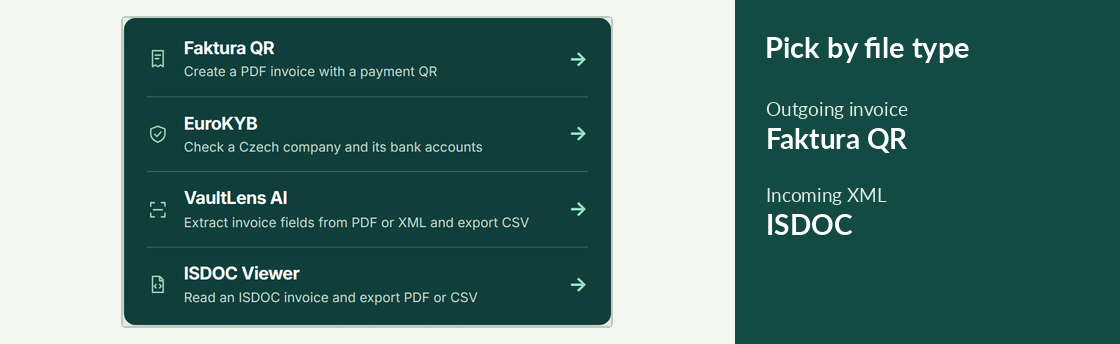
Start with the job in front of you. The hub has four browser tools for issuing an invoice, reading one you received, extracting its figures or checking the supplier.
How to use it
- To bill a customer, open Faktura QR. Enter your items and payment account, then save the invoice as a PDF.
- For a file ending in
.isdoc, open ISDOC Viewer to read the items and payment details. For a text PDF or a CSV of extracted figures, choose VaultLens AI. - To check who you are paying, open EuroKYB and enter the supplier’s eight-digit Czech company ID, called an IČO.
Try it
Suppose an ISDOC invoice arrives by email. Open it in ISDOC Viewer first. If the payment account has changed since last month, compare it with the published accounts and resolve any discrepancy with the supplier.
Reading the result
Opening the hub costs no checks. If you repeat the same job regularly, the guide library also covers the Chrome extension, n8n workflows and batch runs on Apify.