 Alertviz
EuroKYB on RapidAPI
Use your existing RapidAPI account to call EuroKYB and track usage alongside your other APIs. RapidAPI manages the application key and billing for this route.
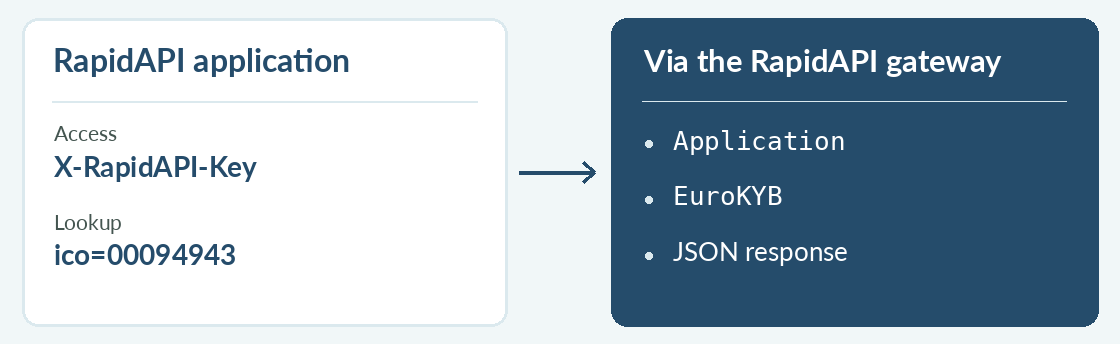
How to use it
- Open Pricing on the EuroKYB listing. Choose a plan after reviewing its monthly request allowance, speed limit and bandwidth terms.
- In Endpoints, select the Czech company lookup, fill in
icoand choose Test Endpoint. Select the RapidAPI application whose usage you want to track. - Copy the code snippet for your language. Keep its gateway hostname and use your application’s key in the
X-RapidAPI-Keyheader.
Try it
Try GET /v1/cz/kyb with 00094943. A successful result contains that ID and the library’s name. The request counts against the selected RapidAPI plan.
Reading the result
If you reach a limit, check usage for the selected application on RapidAPI. A Pro key bought directly from EuroKYB is for calls to alertviz.com. RapidAPI help