 Alertviz
Payment QR and IBAN check
Create a payment QR without issuing an invoice. Choose a Czech or euro transfer and inspect the payment text that will be encoded.
How to use it
- Open Check an IBAN and generate a payment QR. Replace the prefilled details with your own IBAN, recipient name and message.
- Choose QR Platba · CZK or SEPA · EUR. Enter a positive amount and the BIC if needed. Select Generate QR.
- Read the payment text below the QR. When scanning in a banking app, compare the recipient account, currency and amount with the original document.
Try it
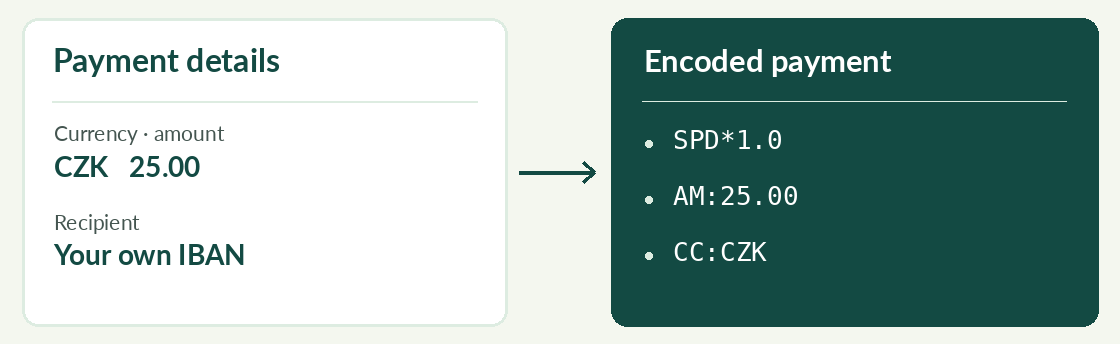
Try your own IBAN, 25.00 and CZK mode. The Czech payment text starts with SPD*1.0 and contains AM:25.00 and CC:CZK. You can inspect the result without confirming a transfer.
Reading the result
A valid checksum confirms the IBAN format. Verify account ownership separately. If the QR is missing, check the IBAN, amount and, for SEPA, recipient name.