 Alertviz
Supplier check for n8n
Add a step that looks up a Czech supplier and tells your workflow whether a person should review the invoice. This free workflow accepts one company ID per request.
How to use it
- Download the JSON using the link below. In the n8n editor menu, choose Import from File and select it.
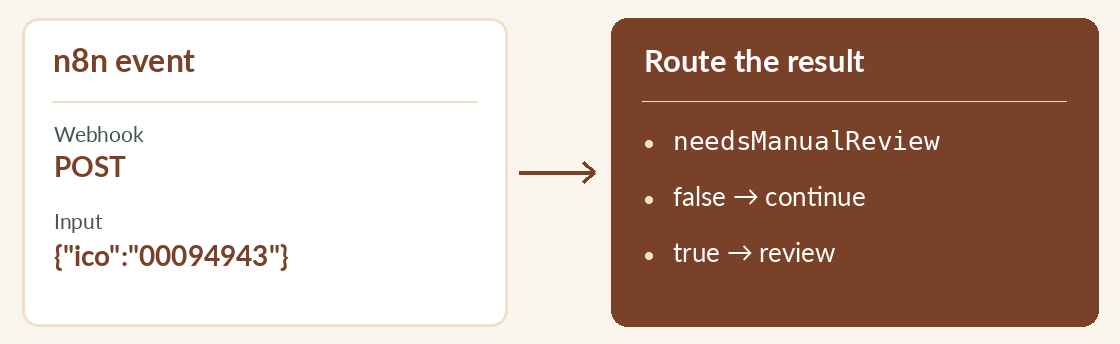
- Open the Webhook node, start listening for a test event and copy its Test URL. Send a POST with content type application/json. In the example, set URL to the address copied from n8n.
- For ongoing use, enable incoming webhook authentication, activate the workflow and use its production URL. For a direct subscription, use Header Auth on the EuroKYB request node. Set the header name to
X-API-Keyand its value to your key.
Try it
curl -X POST "$URL" -H 'Content-Type: application/json' \
  -d '{"ico":"00094943"}'
Reading the result
Route needsManualReview: true to a person. When checkStatus is pending, the lookup is unfinished. Use retryAfterSeconds to schedule another attempt. Importing workflows in n8n