 Alertviz
ISDOC Viewer
Read a Czech electronic invoice in ISDOC format. Preview one document, print it or turn a group of invoices into a CSV you can open in a spreadsheet.
How to use it
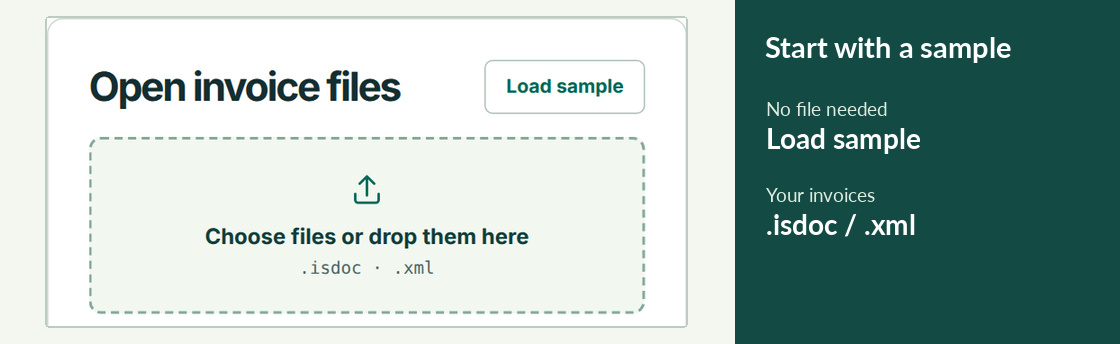
- Drop an .isdoc or .xml file into the file area. Choose Load sample if you want to try the viewer first.
- Check the supplier, currency, total and payment account. Use the print control to save the displayed invoice as a PDF.
- To make a batch, select several files together. Review the results and download the CSV. For pending online checks, use the displayed status and retry time.
Try it
Select three invoices from your accounting software in a single file selection. Check their invoice numbers and amounts in the batch, then compare the number of processed rows with the number of files.
Reading the result
The XML is read in your browser. Supplier checks send the company ID to EuroKYB. Exchange-rate requests send the currency and date. If a register is unavailable, you can still read the document and return to the supplier check later.