 Alertviz
Faktura QR
Create an invoice for a Czech business that does not charge VAT. The customer receives a PDF and can scan its QR code to fill in a bank transfer.
How to use it
- Enter the invoice number, issue date, due date and both parties’ details. You can fill in a Czech company’s details by looking up its IČO.
- For CZK, enter your own Czech account number followed by a slash and the bank code. Include the account prefix if you have one. For EUR, select SEPA and enter your IBAN.
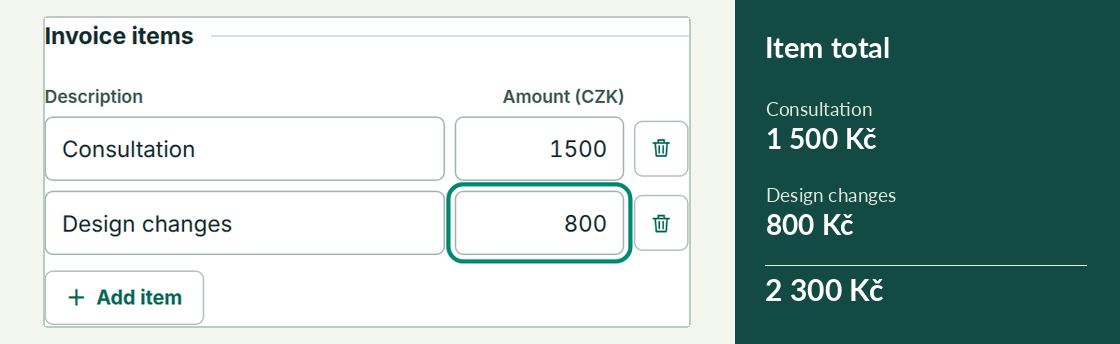
- Enter a description and amount. Use Add item for another row. Check the total and account in the preview, then choose Print / Save PDF.
Try it
Bill CZK 1,500 for a consultation and CZK 800 for design changes. Put each service on its own row. Your invoice preview should show CZK 2,300 due.
Reading the result
View QR example opens a sample invoice. My invoice returns to your draft. A valid payment account and positive amount produce a QR on your own invoice. Creating and printing are free. The CZK 99 contribution is optional.