 Alertviz
EuroKYB
Before paying an invoice, check that its Czech company ID belongs to the supplier and compare its bank account with the published accounts. EuroKYB brings the ARES register and ADIS tax records into one report.
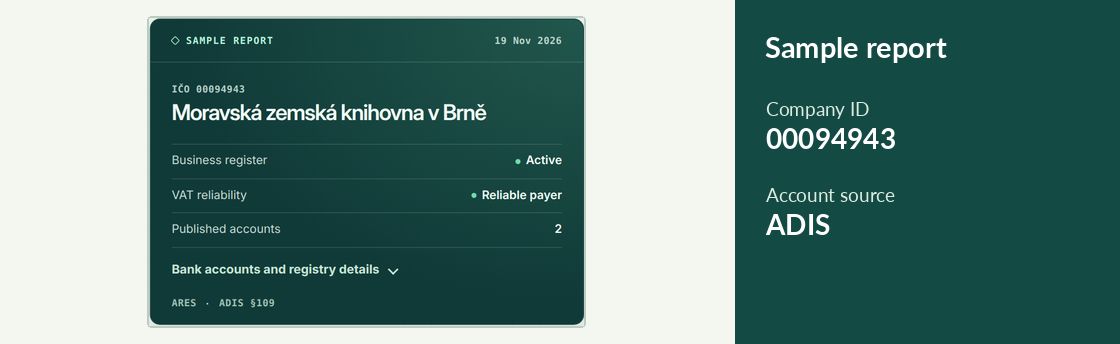
How to use it
- Copy all eight digits of the supplier’s IČO from the invoice, including leading zeroes. Choose Check supplier.
- Compare the company name with the invoice. Open Bank accounts and registry details and compare the entire account number and bank code.
- If the details are missing or different, confirm them through a familiar supplier contact. Read the supporting details even when the reported risk is low.
Try it
Enter 00094943, the company ID of the Moravian Library in Brno. Look for its Czech name, Moravská zemská knihovna v Brně, in the newly fetched result. The landing page also displays a dated sample.
Reading the result
Free direct access includes 50 completed checks per UTC calendar month and up to 5 per minute, shared by public IP address. For higher volumes, choose Pro or Business in Pricing and leave your email in the subscription form.