 Alertviz
Apify · Website to Markdown
Save the text of selected public pages as Markdown for reading or further processing. The same Actor can also report on website headers, TLS and email-related DNS records.
How to use it
- List each page you want in
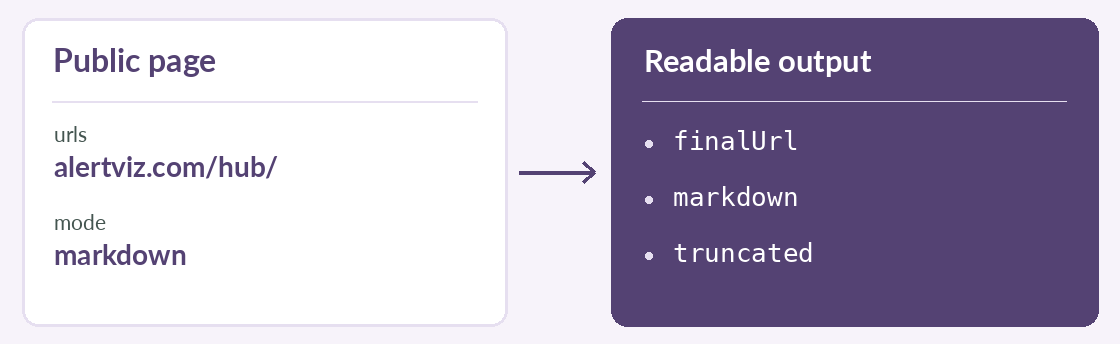
urls. The Actor accepts up to 50 URLs and processes just the supplied pages. - Use
markdownfor readable text,auditfor technical information orfullfor both. SetmaxMarkdownCharsto limit the text returned per page. - Start the run and open a dataset row. In Markdown mode, compare the final URL after redirects with the URL you requested and check whether the text is complete.
Try it
{"urls":["https://alertviz.com/hub/"],
 "mode":"markdown","maxMarkdownChars":5000}
Reading the result
If truncated is true, you have only part of the page. Increase the character limit if that was the cutoff. In audit mode, read the observations behind the grade. The Actor listing gives the per-URL price.