 Alertviz
Apify · ISDOC invoice audit
Extract invoice numbers, totals and payment details from a batch of ISDOC invoices. You can also compare supplier accounts with the register and convert foreign totals into CZK.
How to use it
- Paste XML into
xmlDocumentsor supply publicly accessible file URLs inxmlUrls. Apify processes these files on its servers. Use the public sample below for a first run. - Use
verifyAdisfor supplier verification,convertToCzkfor exchange rates andincludeLinesfor line items. A run can process up to 100 invoices. - Start the run and open an invoice row in the dataset. Compare
invoiceId,paymentandadisAuditwith the original invoice. Use JSON to inspect nested fields.
Try it
{"xmlUrls":["https://alertviz.com/vaultlens/examples/faktura.xml"],
 "maxInvoices":1,"verifyAdis":false}
Reading the result
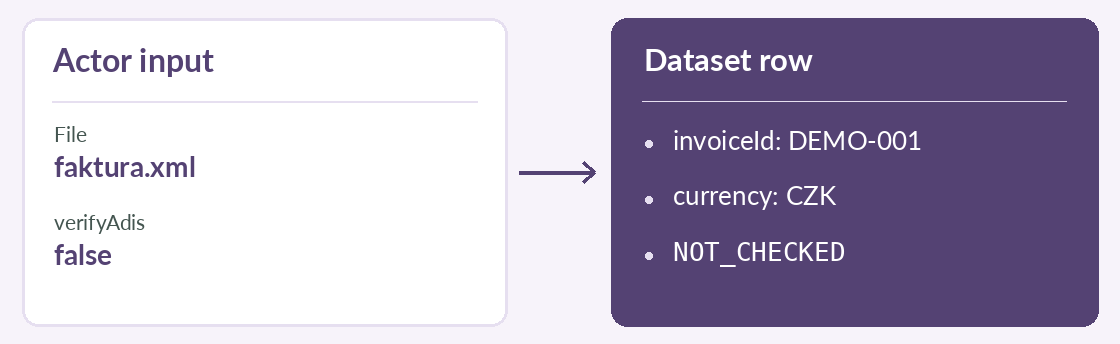
The sample produces invoice DEMO-001. Setting verifyAdis: false gives NOT_CHECKED. On a real check, investigate REVIEW or BLOCK before authorising payment. See the Actor listing for its per-invoice price.