 Alertviz
Apify · Companies and VAT IDs
Check a list of Czech companies or EU VAT numbers in one run. This Actor runs in your Apify account and writes its results to that run’s dataset.
How to use it
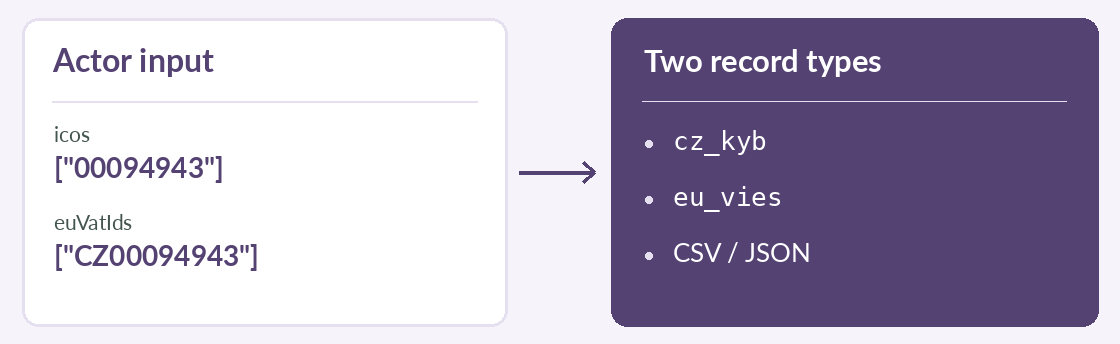
- Open the Actor. Put Czech company IDs in
icosand country-prefixed EU VAT numbers ineuVatIds. Keep each ID in quotes to preserve leading zeroes. - Set
maxResults. The default is 10 and the maximum is 50 for each list. Review the event prices on the Actor listing before starting. - Start the run and open its dataset. Use
recordTypeto distinguishcz_kybfromeu_vies. Export the results in CSV or JSON.
Try it
{"icos":["00094943"],"euVatIds":["CZ00094943"],
 "maxResults":1,"includeTrades":false}
Reading the result
This example requests one company report and one VAT check. Read the VIES status and revisit UNKNOWN results later. Apify handles the run and billing separately from a direct EuroKYB subscription. Exporting an Apify dataset